
How to Send Your Writing Drafts (or eBooks!) to Your Kindle
Updated: May 25, 2025
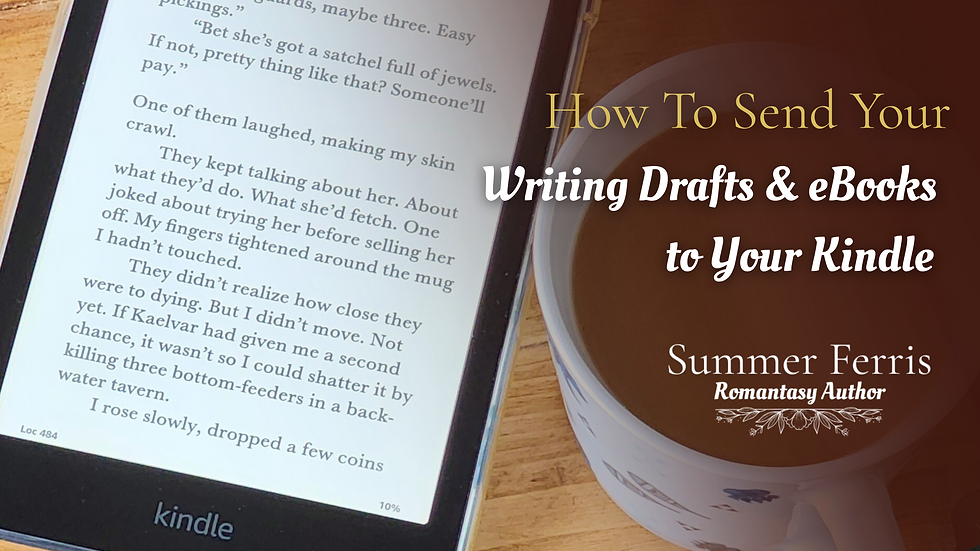
If you're anything like me, your Kindle goes everywhere. What started as a skeptical gift turned into one of my most-used devices, especially when it comes to reading my drafts.
One of my favourite writing tips is to send my writing drafts to my Kindle. It helps me step out of my author shoes and back into my reader ones. There’s something about seeing your words in a book-like format that shifts your perspective. I’ve caught repeated phrases, awkward wording, overused crutches, and small errors I completely missed while editing on my computer. It’s become an essential part of my revision process, and if you haven’t tried it yet, YOU MUST.
I'll be honest, it helps take some pressure off the editing process for me.
Whether you’re working on your own romantasy novel, reviewing beta reads, or just prefer reading in e-ink instead of staring at a backlit screen, sending files to your Kindle can be a total game-changer.
Here’s how to easily send your writing drafts & eBooks to your Kindle:
Step 1: Find Your Kindle Email Address
Head to your Amazon account and click on “Manage Your Content and Devices.”
Under the “Devices” tab, find your Kindle. You’ll see a custom email address like yourname@kindle.com. This is your Kindle's personal inbox for files!
Step 2: Attach Your File
Open your email app and start a new message. Attach the file you’d like to send. PDFs, DOCs, and EPUBs all work well. No subject line or body text needed.
Step 3: Send It Off
Send the email to your Kindle’s address. Important: Make sure you’re using an approved sender email (this is listed in your Amazon account under “Personal Document Settings”). If you’re not, your file won’t go through, but you can add new emails to the approved list anytime.
Step 4: Let the Magic Happen
Give it a few minutes, and voilà—your document should appear on your Kindle, ready to read in your favourite nook, hammock, or writing cave.
Bonus Method: Use Amazon's Send to Kindle Page
Prefer to upload directly from your computer? Visit amazon.com/sendtokindle to drag and drop your file. Super easy, no email required.
Whether you’re polishing a draft, beta reading for a friend, or just want a screen-friendly way to review your writing, sending your work to your Kindle is a total game-changer. It’s quick, easy, and can give you fresh eyes on your story when you need it most.
So go ahead—upload that draft, curl up with your Kindle, and read your words the way a reader would. I hope this helped you learn how to send your writing drafts and ebooks to your Kindle!
Your future editor self will thank you.


Comments